
SEO Glossary: Technical SEO

Images sell your work, but they are also the heaviest part of most pages. Optimising them is the quickest speed win on a typical business website, and it helps images appear in search too.
What image optimisation means
Image optimisation is preparing and serving images so they load fast, look sharp and are understood by search engines. It covers the file size, dimensions and format, how images are loaded on the page, and the information around them, such as file names, ALT text and captions.
Why it matters
Large images are the most common cause of a slow Largest Contentful Paint, one of the Core Web Vitals. On mobile data, a gallery of uncompressed photos can cost a visitor real money and patience. Well described images can also bring visitors through Google Images and visual search, which matters for trades, venues and products where people search with their eyes.
How to optimise images
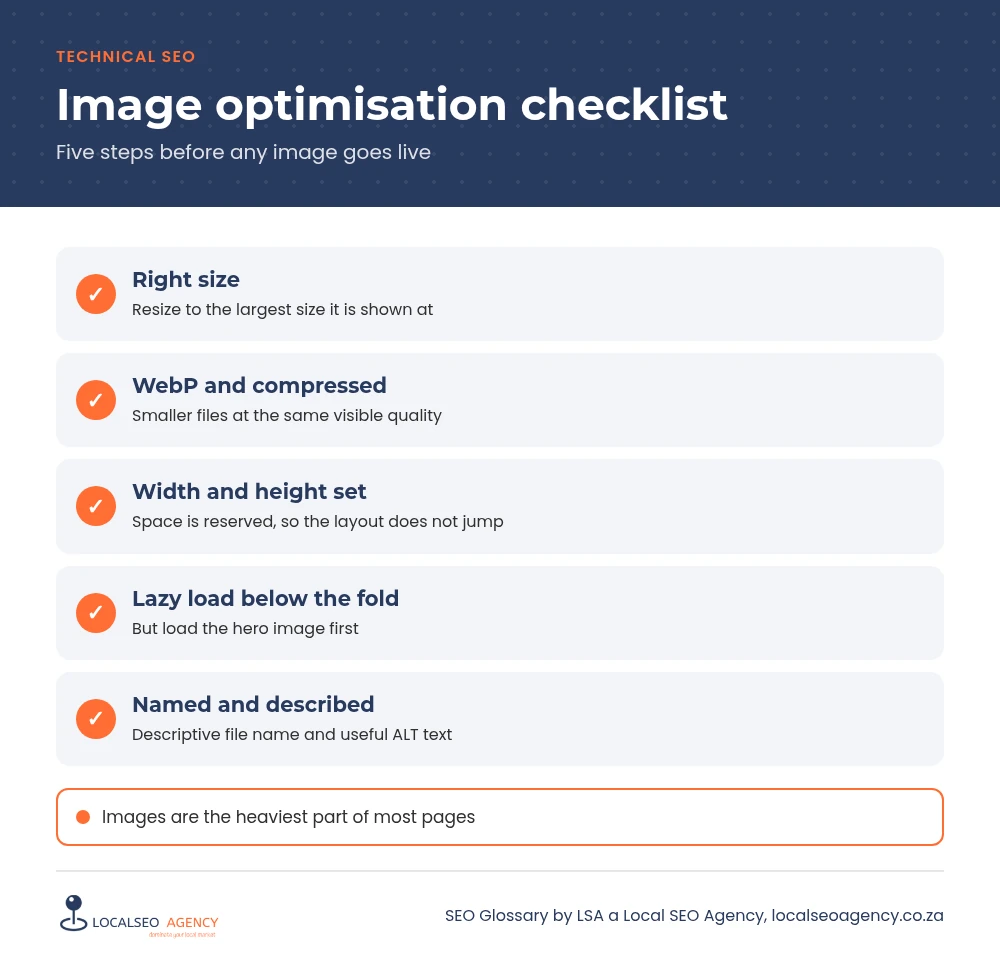
Resize to the size shown
A photo displayed 800 pixels wide does not need to be uploaded at 4,000 pixels. Resize before uploading, and let WordPress create responsive sizes.
Use modern formats and compress
WebP files are usually much smaller than JPEG or PNG at similar quality. Compress until the file is small without visible loss.
Load in the right order
Lazy load images below the fold, but never the main hero image, which should load first. Always set width and height so the layout does not jump.
Describe them
Use descriptive file names, such as plumber-installing-geyser-durban.webp, and ALT text that says what the image shows for people who cannot see it.
Common image mistakes
- Uploading photos straight from a phone or camera.
- Lazy loading the hero image.
- Missing width and height attributes, causing layout shift.
- File names such as IMG_4821.jpg and empty or keyword stuffed ALT text.
- Text baked into images instead of real HTML text.
How to check and improve yours
Run key pages through PageSpeed Insights and look for the properly size images and next generation formats suggestions. Sort your media library by file size and replace the heaviest files. An image optimisation plugin can convert existing images to WebP and compress new uploads automatically. Then review ALT text on service and location pages first.
Responsive images
WordPress automatically creates several sizes of each upload and adds srcset markup, so phones download a smaller file than desktops. This only works well if the original upload is a sensible size and your theme uses the built in image functions. Page builders usually handle this, but check the file actually served on mobile in your browser's developer tools.
Captions are worth adding where they help a visitor, because they are read far more often than body text.
How LSA helps
LSA a Local SEO Agency compresses, converts and correctly loads images across your site and writes useful ALT text. If you are a Gauteng business, see our Johannesburg SEO agency page, and read about the wider speed work in our site speed guide.
For the short definition, see Image Optimisation in our SEO Glossary, alongside the other technical SEO terms.
Need this fixed properly? Call LSA a Local SEO Agency on 068 786 7331 or contact us today.