

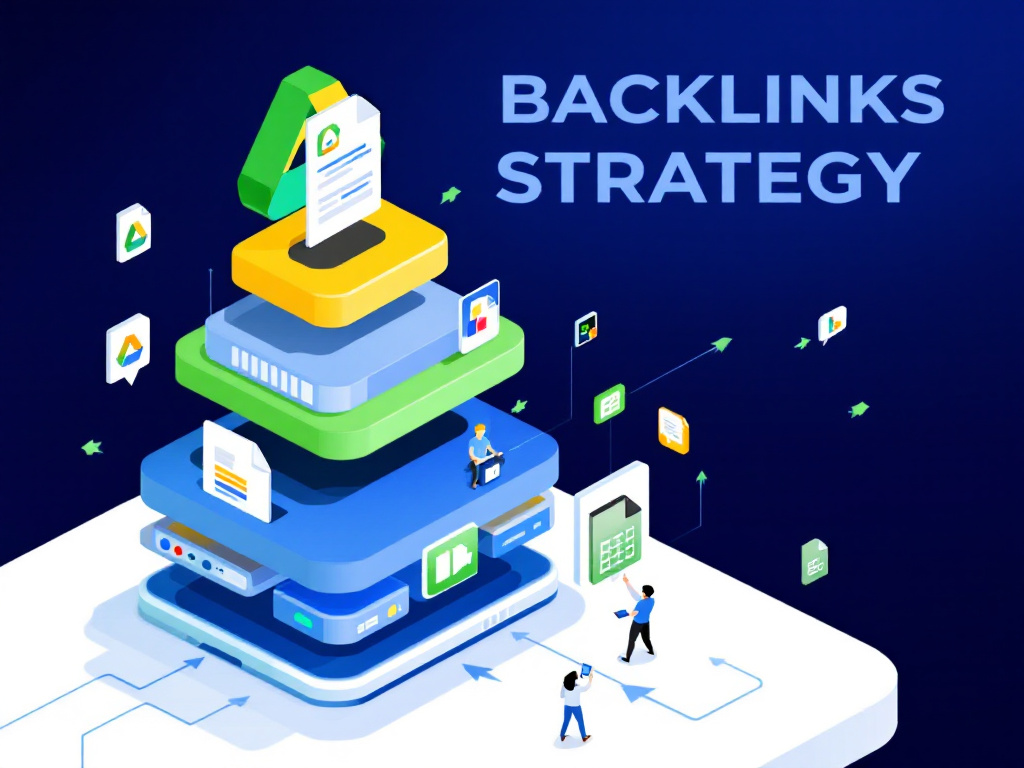
Ever wondered how free Google tools can power your SEO?
The google stack backlink strategy taps into Google’s own ecosystem to build a web of authority around your site.
In this guide, you’ll learn to pick the right properties, interlink them smartly, and watch your organic traffic grow.
Understand Google stack building
Google stacking uses free Google platforms to build a network of backlinks to your site. You host content on Docs, Sheets, Sites, and more, then link back in a strategic pattern. This creates a boost in authority because Google trusts its own properties.
Key Google assets
| Google property | Use case | Linking tip |
|---|---|---|
| Google Docs | Long-form guides or case studies | Include one or two contextual links to your main site |
| Google Sheets | Data lists and charts | Embed charts and link the sheet footer back to your site |
| Google Sites | Mini topic hubs or microsites | Create a site structure that naturally points to your domain |
| Google My Maps | Location-based visual content | Add your website link in the map description |
| YouTube | Video tutorials or demos | Put your URL in the video description and on-screen cards |
Why Google stacking matters
By linking these properties you send a strong signal to search engines that your site is credible. You make the most of free, high-authority platforms to power up your backlink profile. This approach can save you money and cut down on manual outreach.
Explore backlink strategy benefits
This backlink strategy delivers a range of wins for your business. Here are a few of the biggest perks:
- Boosted domain authority without paid links
- Improved local SEO thanks to location-based properties
- Better reputation management by outranking negative reviews
- Cost-effective growth using free Google tools
- Full control over your content and links
Want more detail on the SEO side of things? Check out google stack seo benefits.
Create your Google properties
First things first, you need to set up the right Google assets. Let’s walk through the basics.
Set up Google accounts
Use one or more Google accounts to diversify your stack. If you have a brand account, keep personal and business profiles separate. That helps your link network look natural.
Create core assets
Now it’s time to spin up your main properties:
- Google Docs – Draft a detailed guide or whitepaper, then publish it
- Google Sheets – Build a data sheet or SEO audit template
- Google Sites – Launch a mini site focused on a key topic
- Google My Maps – Map out store locations or service areas
- YouTube – Upload a tutorial or explainer video
For a full walkthrough, see our step-by-step google stack guide.
Optimize each property
To get the best results, customize titles, headings, and meta descriptions. Drop your keywords naturally into content and file names. Don’t forget to leverage descriptions on Drive files and YouTube videos – they all count toward SEO. And if you want tips on using Drive strategically, head over to google drive seo strategy.
Interlink and optimize content
You’ve got the assets, now connect them in a smart way. Think of each property as a spoke feeding your main site – arrange links so they feel natural.
- Use contextual links within paragraphs to guide readers back
- Add a site-wide navigation link on your Google Site pointing to your domain
- Keep anchor text relevant and varied to avoid spam signals
- Blend do-follow and no-follow links to mimic a real link profile
If you want to dive deeper into boosting entity authority, check out google stack authority building.
Track performance and growth
Let’s be honest, you can’t optimize what you don’t measure. Keep an eye on key metrics so you know what’s working.
- Organic traffic changes in Google Analytics
- Backlink count and referring domains in Search Console
- Domain authority scores from tools like Moz or Ahrefs
- Engagement rates on Docs, Sheets, or YouTube
Review your data monthly and adjust your stack – add new content or tweak links based on performance.
Review key takeaways
- Google stacking uses free platforms like Docs, Sites, and Sheets
- A smart linking pattern boosts your backlink profile and authority
- You can link contextually, via navigation, or in descriptions
- Measure metrics regularly to refine your approach
Try building a mini stack this week and watch your site climb the ranks. Have questions or tips from your own experience? Drop a comment below so we can chat, and share this post if you found it useful.





