

Picture this: you’re juggling a dozen platforms to check on organic traffic and keyword rankings. Sounds familiar?
Let’s fix that.
In this post, you’ll learn how an agency SEO dashboard centralizes all your SEO data. You’ll see how to set one up and track client progress in seconds.
SEO dashboard basics
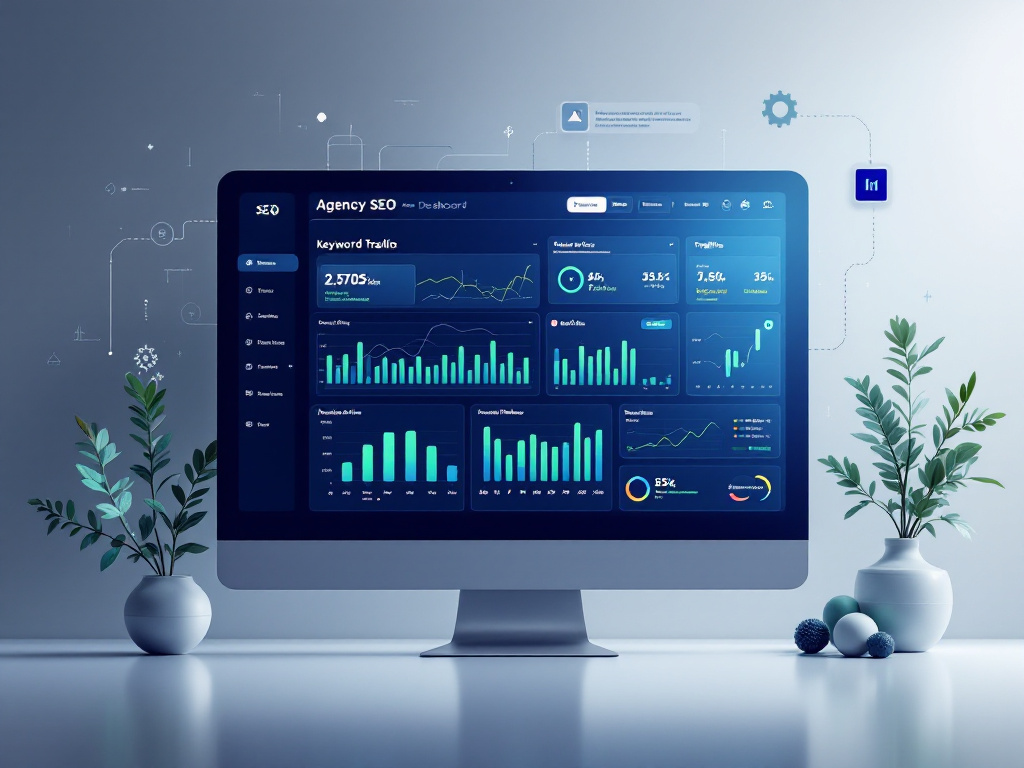
A client dashboard is a centralized platform that brings SEO metrics into one view. Instead of hopping between Google Analytics and a dozen other tools, you get a clear snapshot of performance.
What is a client dashboard?
Think of it as a car dashboard for your SEO campaigns. You’ll see organic traffic, keyword rankings, bounce rate, and more in real time.
Why dashboards matter?
A dashboard cuts down on manual report pulling, letting you focus on optimizations. Clients get transparent access to page views, click through rates, and conversion metrics at any time.
Choose key metrics
Picking the right metrics helps you and your clients see real progress.
Track organic traffic
Organic traffic shows how many visitors find your site through search engines. It’s a basic measure of SEO health.
Monitor keyword performance
Seeing where your target keywords rank guides your content strategy. Use specific tools to drill down on local and global positions.
Local search grid
This feature maps your local rankings in Google Maps. It helps businesses that rely on foot traffic or phone calls.
Rank tracker
A rank tracker shows keyword positions on search engine results pages over time. You can spot shifts right after optimization changes.
Integrate data sources
A dashboard is only as good as the data you feed it.
Link analytics tools
Connect Google Analytics and Search Console for site traffic and indexing data in one place. This pairing gives you deep insight into user behavior and page performance.
Pull data from SEO platforms
Many dashboards support API integration with top platforms. You can pull data for keyword rankings, backlinks, and technical audits from tools like:
- Semrush for competitor and keyword insights
- Ahrefs for deep backlink analysis
- Moz for domain authority tracking
- Screaming Frog for crawl audits
- Rankability for NLP powered content suggestions
Most dashboards let you map those data points into custom widgets.
Visualize performance trends
Seeing metrics as charts and tables turns raw data into stories you and your clients can act on.
Use charts and tables
Line charts for organic traffic trends and bar graphs for keyword distribution work wonders. Tables let you compare landing page performance side by side.
Automate your reports
Set up scheduled exports to land in your inbox or a client portal every week or month. Automated reporting saves hours of manual work.
Customize for clients
Clients love dashboards tailored to their needs.
Add white label branding
Brand your reports with logos, colors, and custom domains to look polished. You can also share a subdomain so clients feel right at home. Explore our agency seo services for expert setup.
Create role-based views
Not every stakeholder needs the same data. Build a view for the marketing team that highlights conversion metrics, and a separate one for executives that focuses on high level trends.
Maintain your dashboard
A dashboard needs upkeep to stay accurate.
Conduct regular audits
Review your data connections each month to catch broken links or API issues. Clean up or remove outdated metrics so the dashboard stays lean.
Update goals and KPIs
As your agency seo strategies evolve, swap in new targets and retire old metrics. This keeps the dashboard aligned with client objectives.
Key takeaways
- Centralize your SEO metrics in one platform
- Select KPIs like organic traffic and keyword rankings
- Integrate tools via API for seamless data flow
- Visualize trends with charts, tables, and automated reports
- Tailor dashboards with white label branding and role-based views
- Keep data fresh with monthly audits and KPI updates
Give it a try: start by adding a widget for organic traffic and watch how much time you save. Share your dashboard tips in the comments below or explore our seo agency case studies for inspiration.





